Jump to content
View in the app

A better way to browse. Learn more.

Play Aethro

A full-screen app on your home screen with push notifications, badges and more.

To install this app on iOS and iPadOS
  1. Tap the Share icon in Safari
  2. Scroll the menu and tap Add to Home Screen.
  3. Tap Add in the top-right corner.
To install this app on Android
  1. Tap the 3-dot menu (โ‹ฎ) in the top-right corner of the browser.
  2. Tap Add to Home screen or Install app.
  3. Confirm by tapping Install.

Blogs

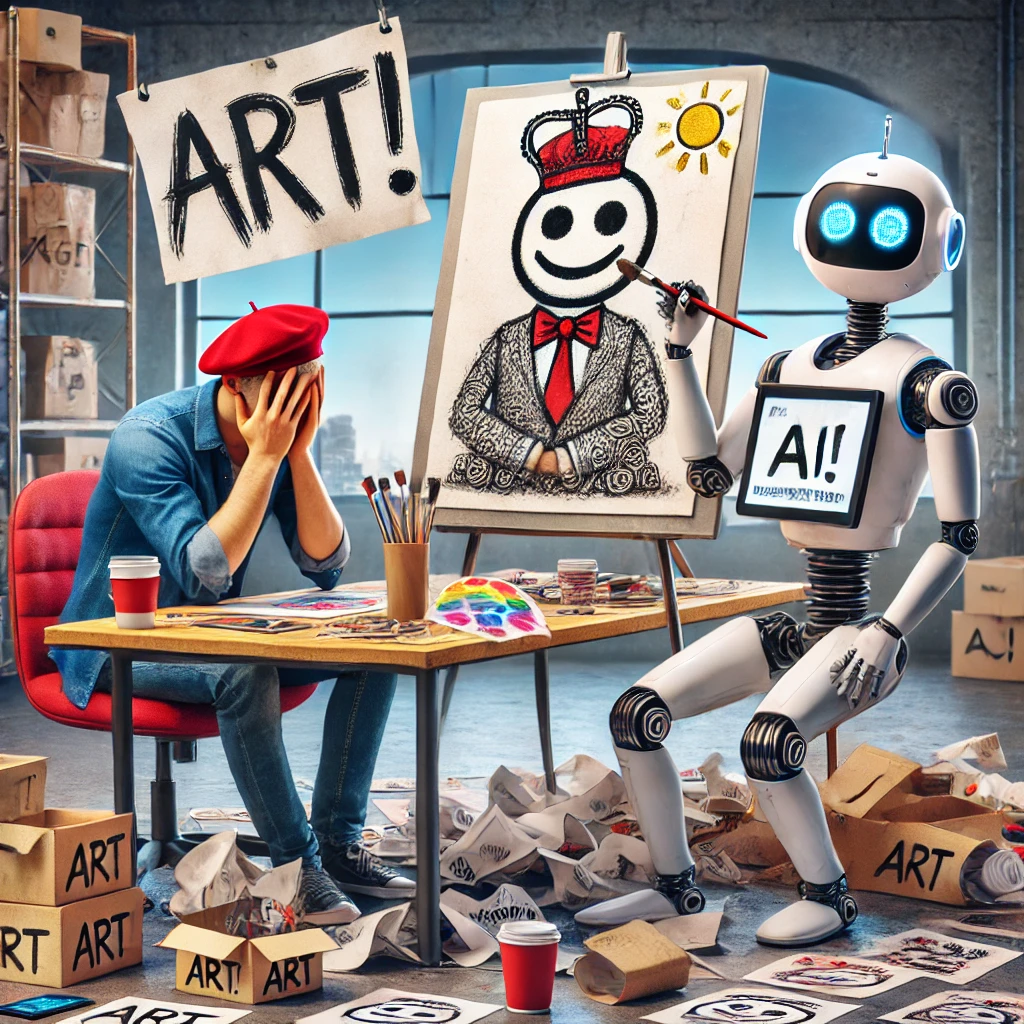
At Aethro, we use AI because it is a valuable tool. It helps with graphics, generates pages, and diagnoses coding issues. It makes running things smoother and more efficient, and we are not about to waste time pretending otherwise. Yet, there is always a crowd of anti-AI voices, especially among some graphic designers, claiming it is ruining creativity. Letโ€™s break that down. First, letโ€™s talk about the difference between using a design program and using AI. Traditional design software provides

Important Information

Please take a moment to understand our Terms of Service Terms of Use

Configure browser push notifications

Chrome (Android)
  1. Tap the lock icon next to the address bar.
  2. Tap Permissions โ†’ Notifications.
  3. Adjust your preference.
Chrome (Desktop)
  1. Click the padlock icon in the address bar.
  2. Select Site settings.
  3. Find Notifications and adjust your preference.