Shadows of Aethro
News from our Minecraft Server
37 articles in this category
-
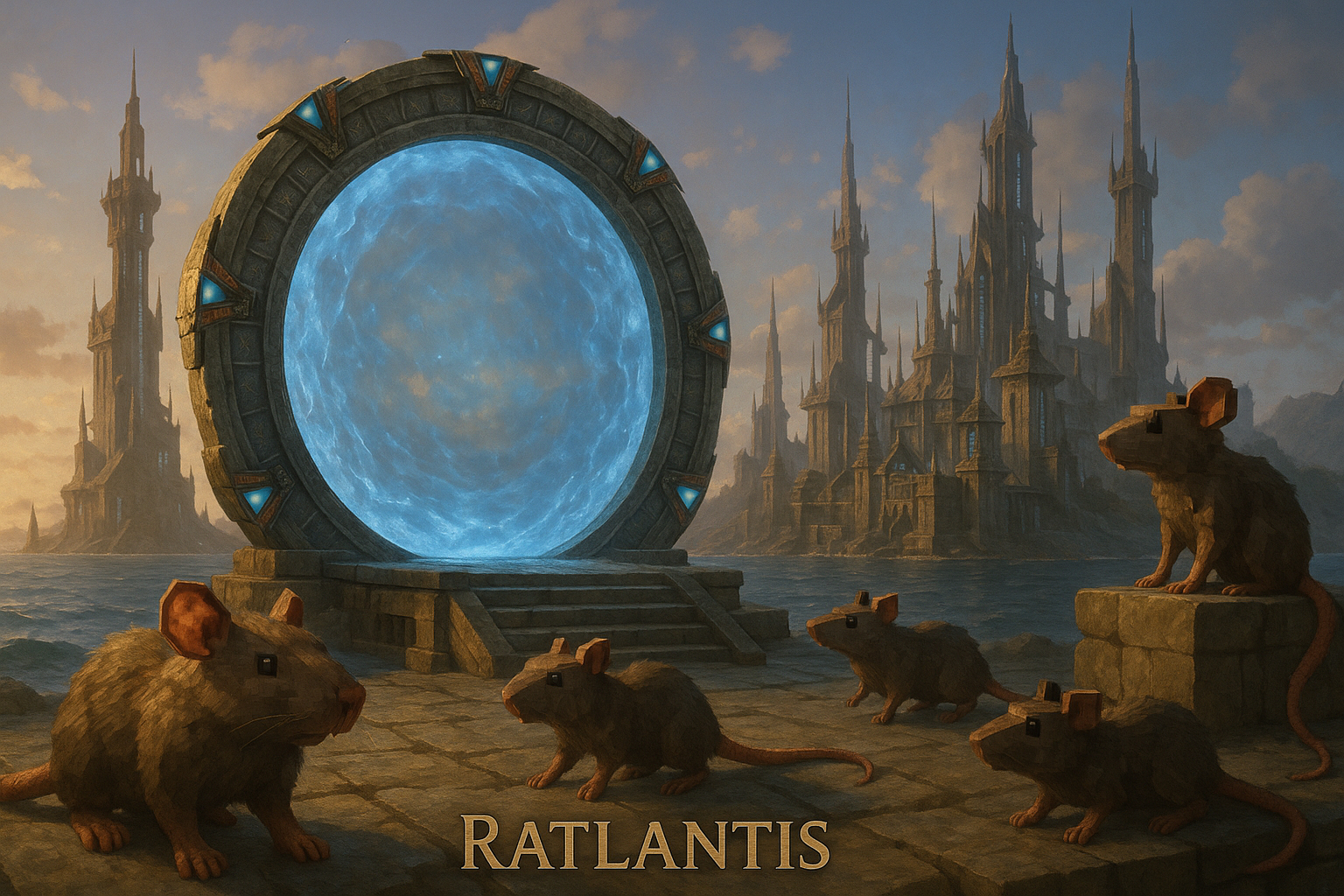
Big update today: Ratlantis is now open to all players! That’s right — the long-awaited, squeak-filled rat dimension is finally here. Expect bizarre adventures, rat civilizations smarter than you’d like to admit, and plenty of chaos. Will you conquer Ratlantis… or will the rats conquer you? But that’s not all. We’ve been doing some serious server-side modifications to cut down on TPS lag. That means smoother gameplay, fewer stutters, and more time for you to freak out when an army of rats come
-
Hey everyone! We’ve got a shiny new update dropping today with fixes, tweaks, and… something magical you’re going to love. Let’s get into it! --- ✨ **NEW ADDITION** 🪄 **BUILDING WANDS ARE HERE!** 🪄 No more block-by-block finger cramps. No more “oops I misplaced the 73rd brick in this wall.” Now you can wave your wand and *poof* — instant construction magic! Go forth, build castles, towers, and questionable dirt huts at lightning speed. The power is yours! --- 🔧 **Updates & Fixes**
-
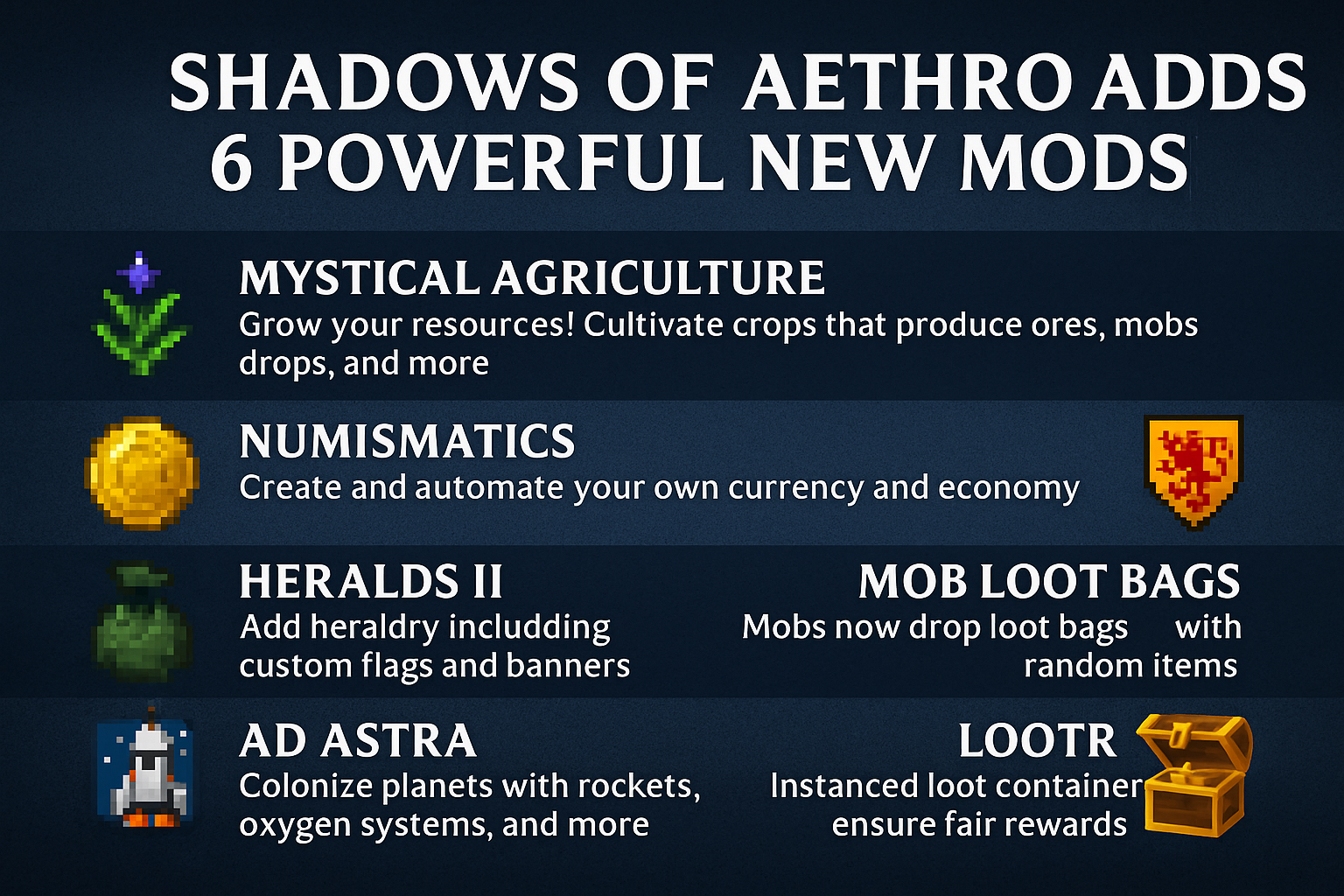
The Shadows of Aethro Forge server just got a serious upgrade with six new mods from CurseForge, unlocking new mechanics, deeper progression, and full-blown space travel. Plus — the world border has been expanded so fresh terrain can generate, giving you full access to all the new content. Here’s what’s new: 🔮 Mystical Agriculture Grow anything: ores, mob drops, gear materials. It’s farming on steroids. 🪙 Create: Numismatics Mint your own money with automated coin crafting. Trade systems? Now po
-
Today’s headlines from the realm of blocky madness: 🕒 Bossbar Toggle! Tired of your screen yelling at you about playtime rewards? Do /rewards bossbar toggle and tell it to shut up. 📜 MOTD Shenanigans Every time you log in now, the server will scream a Message of the Day at you. Don’t worry, it’s friendly. (Most of the time.) 📦 Box of Horrors New horror bosses are lurking around… because Aethro wasn’t scary enough already. Who needs sleep anyway? ✈️ Immersive Aircraft Airships, planes, and
-
The Shadows of Aethro Forge server just got a whole lot smarter. We’ve officially launched a dedicated Bugs & Suggestions area to streamline feedback, squash bugs faster, and get community-driven ideas implemented quicker than ever. Whether you've spotted a broken quest trigger, want a new feature added to your colony experience, or have a balance suggestion—this is now the place to be heard. Here’s what’s new: 🐞 Bug Reports: Report technical issues directly in one clean space, categorized b