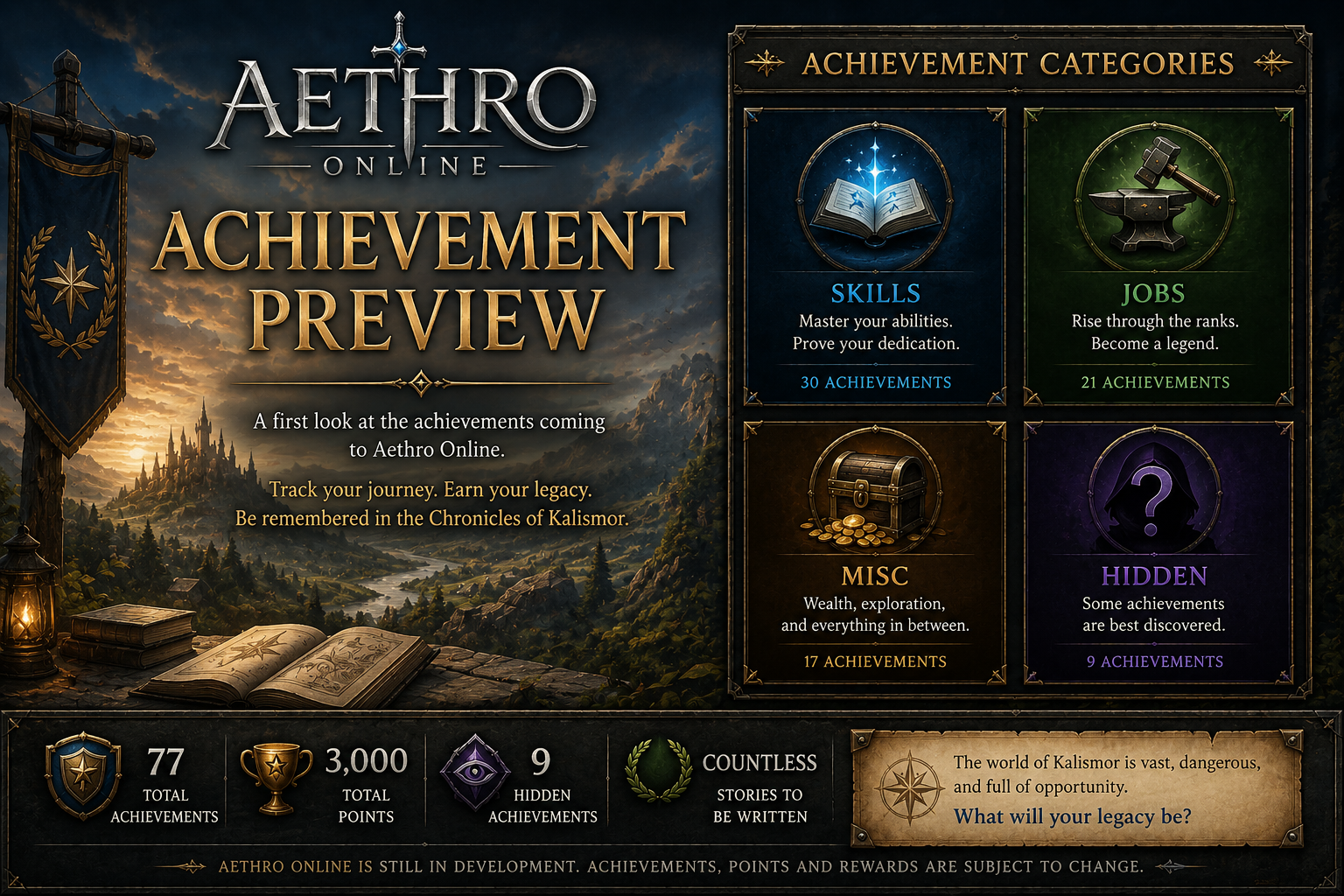

A new preview page for Aethro Online Achievements is now available!
While Aethro Online is still in development and not yet launched, this page gives players an early look at one of the progression systems being planned for Kalismor. Achievements will help track character milestones, long-term goals, hidden discoveries, and special accomplishments once the game is ready for testing and release.
There are currently 77 achievements planned, with 3,000 total points available across Skill, Job, Misc, and Hidden categories. Some achievements are visible right away so players can see what they are working toward, while others are hidden because Kalismor should still have a few secrets waiting in the dark.
Achievements will be used to help track your journey through the world, celebrate long-term progression, and give players more goals beyond simply logging in and grinding. Whether you are mastering your profession, collecting wealth, surviving strange encounters, or earning rare recognition from Game Masters, the system is meant to make your character’s story feel more alive.
You can check out the new page here:
https://playaethro.online/mmo/achievements/
As always, Aethro Online is still in development, so the achievement list may change, expand, or get adjusted as systems continue to come online. This is another step toward making Kalismor feel like a world players can grow into, leave a mark on, and brag about surviving.
Recommended Comments