Keys
4 products
-
1.00 USD
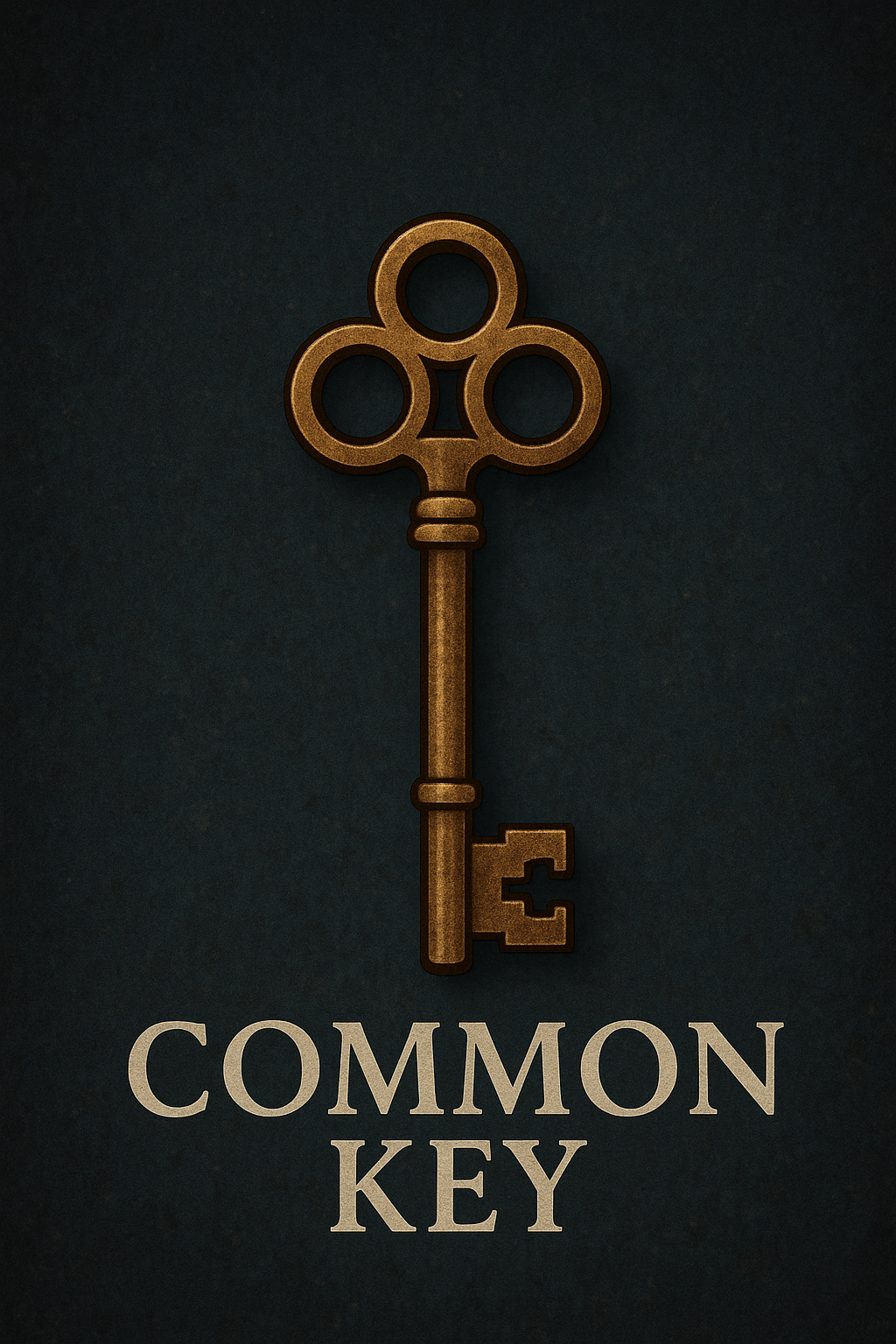
The Common Key is the baseline access token for Aethro’s crate stations at spawn. Made from simple brass and mass-forged by the local smiths, it’s sturdy, reliable, and intentionally unremarkable. Players usually earn these through everyday activities—quests, voting, or basic gameplay milestones.
Use:
Opens Common Crates at spawn, granting small but useful rewards such as basic materials, consumables, or starter-tier items.
-
1.25 USD
The Uncommon Key is crafted from a reinforced alloy and etched with faint runic markings to distinguish it from its simpler counterpart. While still commonly circulated among active players, it represents a step up—both in craftsmanship and reward potential.
Use:
Opens Uncommon Crates at spawn, offering improved loot: mid-tier resources, utility items, or occasional special materials that help players progress more efficiently.
-
1.25 USD
The Special Key is a limited-run, seasonal artifact forged by the Aetherran Curators—mysterious entities said to wander the boundaries between dimensions, quietly tweaking reality when festivities or strange cosmic events roll through. The key’s appearance changes with each season, reflecting the energy that fuels it: winter might wrap it in frost or candy-cane striping, spring infuses it with budding greenery, summer radiates ember-bright warmth, and autumn coats it in gold and drifting leaves.
Unlike mundane keys, the Special Key resonates with whatever anomaly is affecting the current season. It’s attuned not to locks, but to an event itself. That resonance allows it to unseal the Seasonal Crate, a special reward cache that only manifests while the event is active. The crate refuses to open for anything else—not brute force, not clever redstone contraptions, not even the trickery of ender-creatures. Only the key, shaped by the season’s magic, can unlock it.
Use
Players spend the Special Key to open that season’s crate, consuming the key in the process. Inside the crate are themed rewards—cosmetics, rare items, unique materials, or event-exclusive drops—meant to celebrate the season and give a small nudge of whimsy to the ongoing world.
When the season ends, the crate vanishes, the key inertly fades from the loot tables, and the Curators disappear back into the folds of the world… until the next shift in the cosmic weather calls them out again.
Out of Stock -
2.00 USD
The Rare Key is forged with precision and infused with trace Aetherran energy, giving it a warm golden glow. These keys are far less common and usually earned through advanced gameplay achievements or high-value activities. Their presence alone signals something worthwhile.
Use:
Opens Rare Crates at spawn, containing high-value rewards: enchanted gear, rare resources, unique cosmetics, or powerful progression items.