Aethro Online
News from our first adventure!
5 articles in this category
-
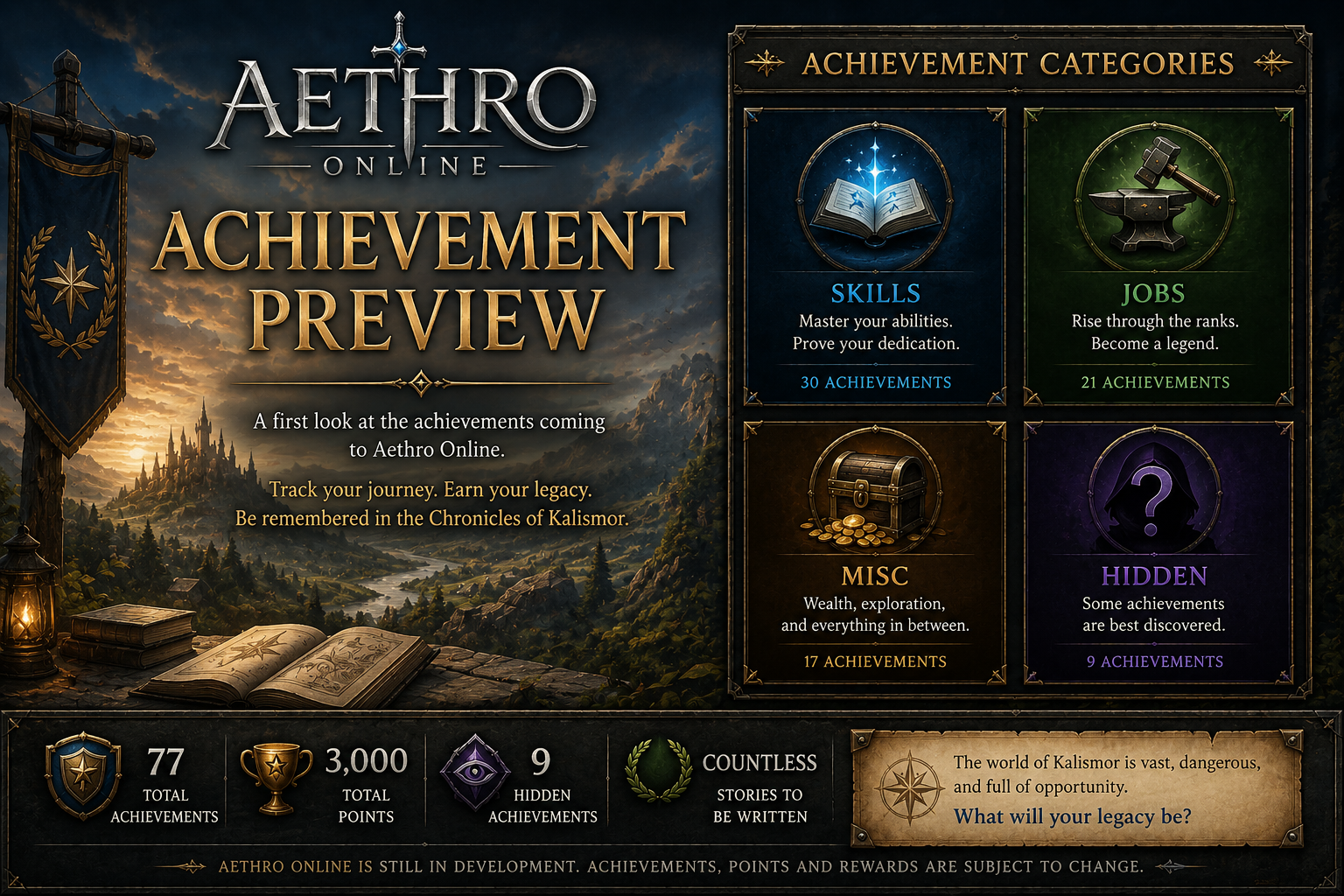
A new preview page for Aethro Online Achievements is now available! While Aethro Online is still in development and not yet launched, this page gives players an early look at one of the progression systems being planned for Kalismor. Achievements will help track character milestones, long-term goals, hidden discoveries, and special accomplishments once the game is ready for testing and release. There are currently 77 achievements planned, with 3,000 total points available across Skill, Job, Misc
-
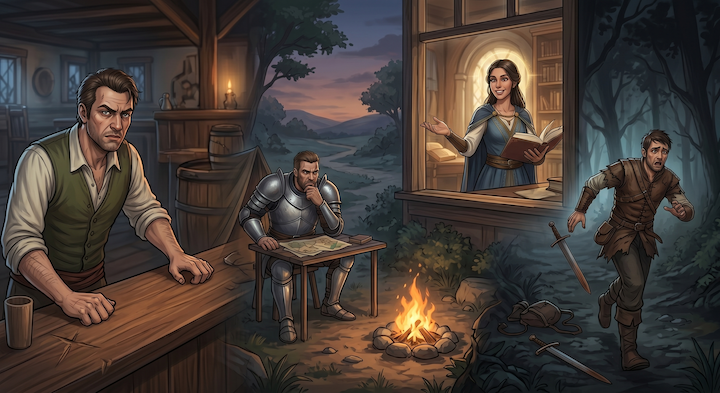
Hey everyone, Wanted to pull back the curtain on something we've been quietly building into the backend. Every named NPC in the game now has a persistent memory of you. Not in a scripted "if player has flag X do Y" way — in a genuine learned-behavior way. Guards, innkeepers, merchants, scholars, bandits, ancient undead, a mercenary captain who still has principles, a witch who already knows you're coming. This is just the first pass. The world is young and the cast is going to grow considerably
-
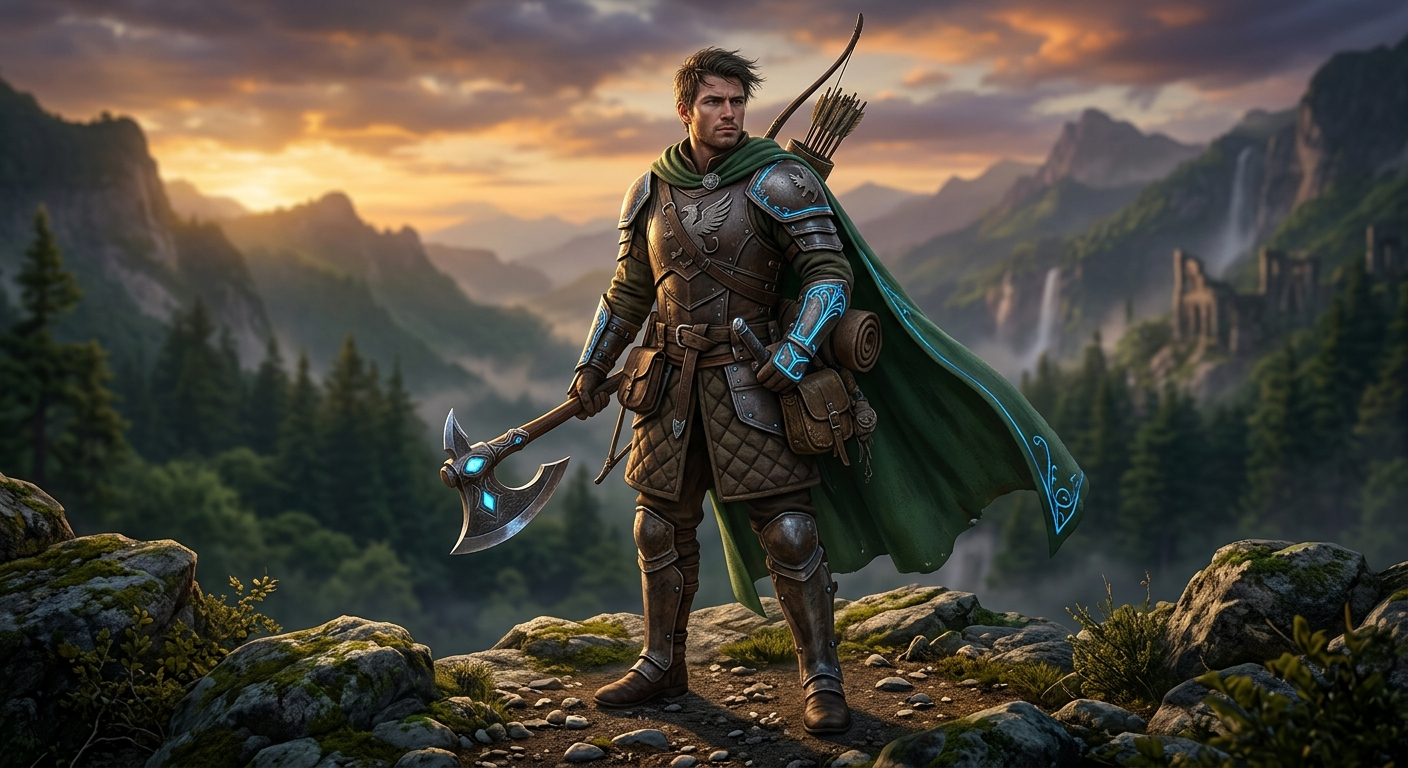
Hey everyone! We’ve just pushed a major update to the PlayAethro world-building archives. We know many of you have been asking about the backstory of the human race—their motivations, their history, and their place in the current meta. We’ve just launched the dedicated Human Lore page! We wanted to move beyond the "standard fantasy human" tropes and give our players something with real grit and depth. Check it out to see: Detailed history of human migration. Key lore-points that might hint at u
-
We’re getting closer to bringing Aethro Online to life. While the game itself isn't ready for login just yet, we are officially opening up the two main pillars of the project so you can see what we’re building. Since Aethro is a non-graphical, text-based experience, the foundation of the game relies entirely on its systems and its story. These new pages are here to give you a look under the hood. 🗺️ The Aethro Online Index The MMO Index is the structural home for the project. Instead of a "how-
-
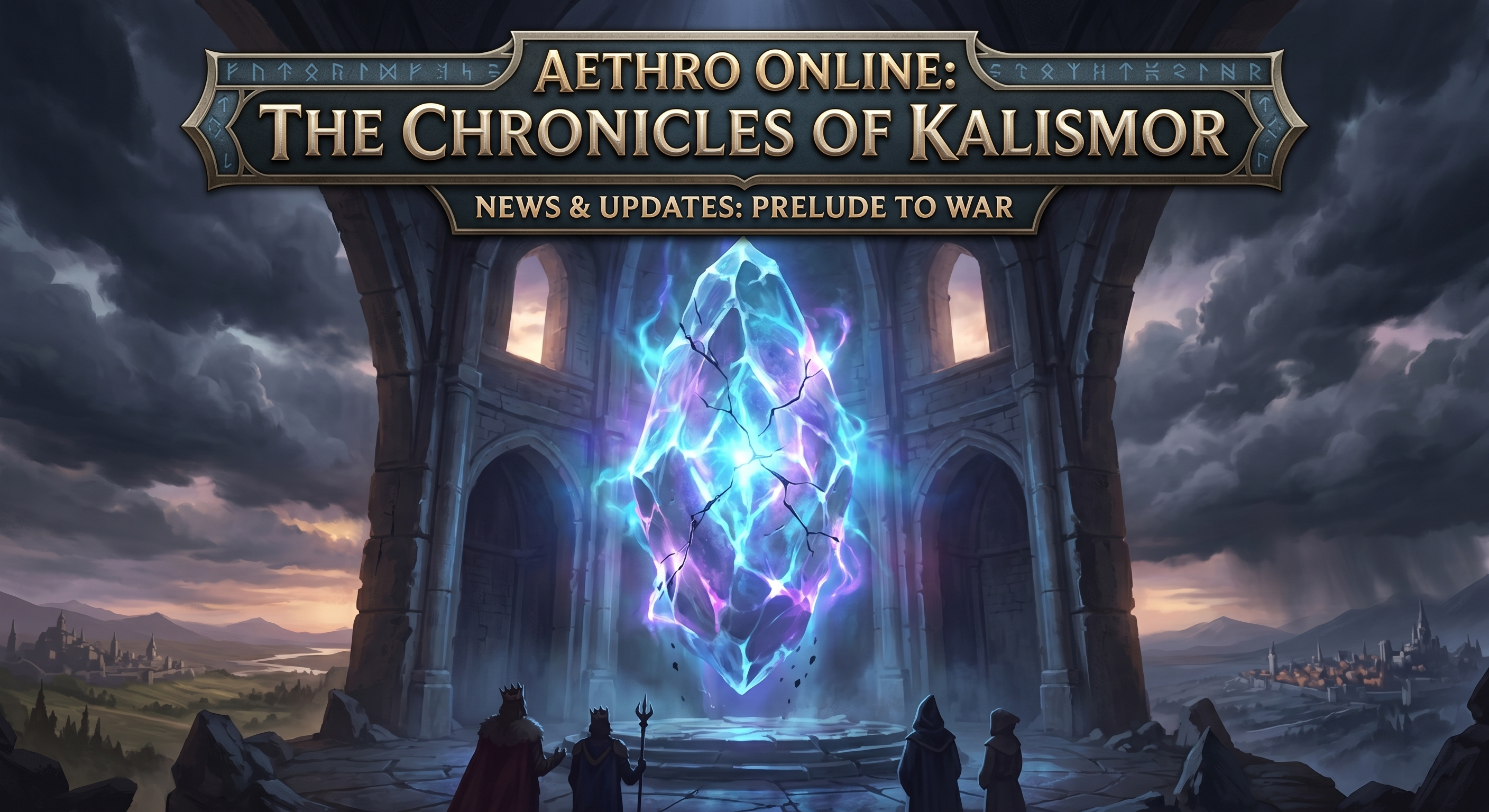
It is with a profound sense of humility and renewed purpose that I share a project twenty years in the making: Aethro Online - Chronicles of Kalismor. For over two decades, I have carried a vision of a dark, immersive world fueled by the mystery of mana stones and the heavy toll of geopolitical war. This is more than just a game; it is a living narrative where cities and villages are under constant threat, and the story is propelled by real-time events orchestrated by dedicated Game Masters. The