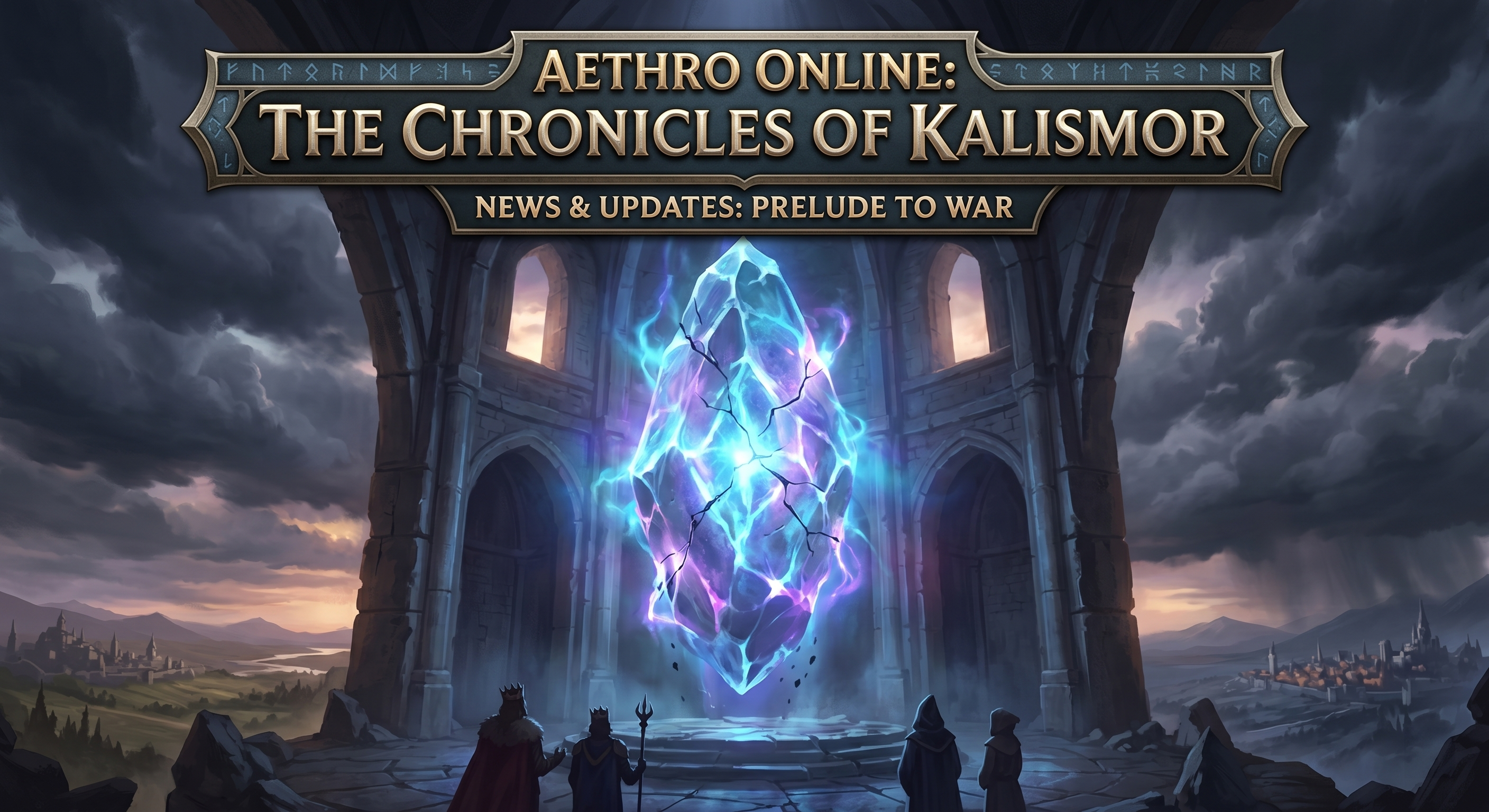

We’re getting closer to bringing Aethro Online to life. While the game itself isn't ready for login just yet, we are officially opening up the two main pillars of the project so you can see what we’re building.
Since Aethro is a non-graphical, text-based experience, the foundation of the game relies entirely on its systems and its story. These new pages are here to give you a look under the hood.
🗺️ The Aethro Online Index
The MMO Index is the structural home for the project. Instead of a "how-to," think of this as the framework. It outlines the scope of the game and the systems we’re implementing. As we get closer to launch, this will evolve into the central hub for everything related to the game's mechanics and technical structure.
📜 The Lore Index
A world without graphics needs a massive amount of narrative weight to feel real. The Lore Index is where that happens. We’ve started cataloging the history, the world-building, and the myths that will drive your roleplay once we go live. If you want to get a head start on the setting or start thinking about character backgrounds, this is your starting point.
What’s Next?
Opening these portals is a huge step in our development roadmap. It gives us a centralized place to store all the information that makes Aethro Online unique. We’ll be updating these pages constantly as we move through the final phases of pre-launch.
Explore the progress here:
System Framework: playaethro.online/mmo/index/
World History & Lore: playaethro.online/mmo/lore/index/
Stay tuned for more updates as we get closer to the official launch!
Recommended Comments